
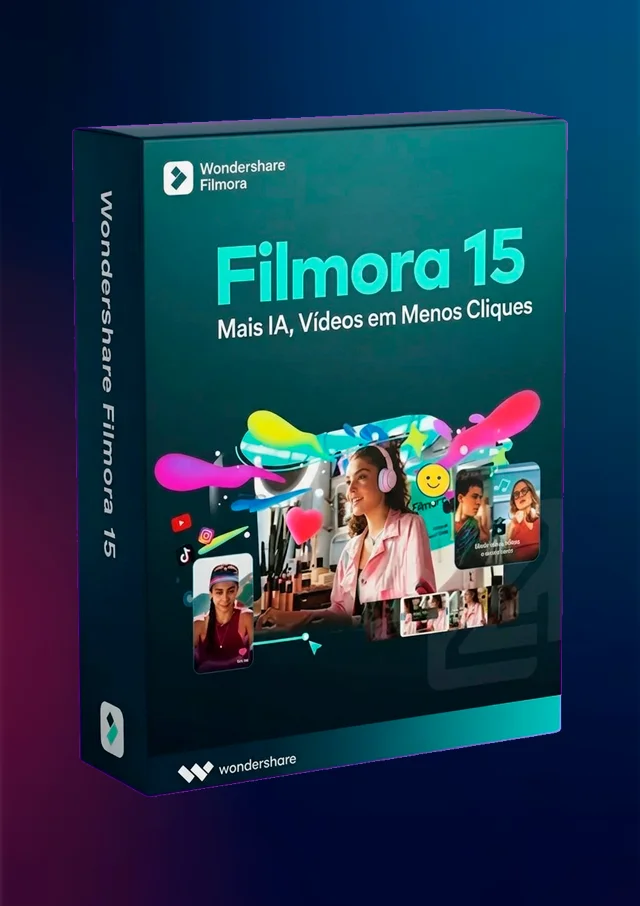
Wondershare Filmora 15: AI Video Editing & New Features
Category:
Tags:
Tempo de Uso e Updates
Description
Wondershare Filmora 15: Meet the New Features and Transform Your Video Editing
If you are a content creator, freelance editor, or marketing professional, you know that agility during editing makes all the difference. With the launch of Wondershare Filmora 15, the software has taken an impressive leap, integrating advanced artificial intelligence and productivity features that reduce hours of work to just a few clicks.
But what exactly has changed in this new version? In this article, we'll explore the main new features of Filmora 15 and show why it remains one of the most accessible and powerful editors on the market today.
The Main New Features and Tools of Filmora 15
The new Wondershare update focused on solving the biggest pain points for those who edit videos daily: lack of time and technical complexity. Check out the newly arrived highlights:
- AI Extend: Did the recording end too soon, or did the audio cut out at the climax? With the Artificial Intelligence extension, you can prolong your clips directly on the timeline. The tool analyzes the context and perfectly generates the continuation of the video or music, ensuring naturalness without the need to re-record.
- New Pen Tool: Highly anticipated, the pen tool now allows you to draw paths and shapes freely. You can apply stroke effects and link them to clips to create fully customized motion tracking animations, eliminating the need for external plugins.
- Animated Charts: If your focus is producing corporate, marketing, or educational content, it is now possible to create visual charts automatically. Just import your data (like spreadsheets) and Filmora 15 transforms them into dynamic and 100% customizable animations.
- Dual Timeline Editing: Working on complex projects can be visual chaos. The new version allows you to activate two simultaneous timelines (side by side), easily dragging clips between the main and secondary timelines.
- Source and Timeline Preview Editing: Get the experience of working with multiple monitors right inside the program's interface. Now you can view the original files from your Media Library and the project result at the same time, speeding up the sorting and cutting process.
- Sub-project Import: Make reusing materials easier! You can bring multiple files from old projects as compound clips into the current edit—ideal for those who use standardized intros or adapt videos for multiple languages.
Elevated Performance and Productivity
Beyond the creative and visual tools, Filmora 15 received a new 32-bit audio architecture, delivering impeccable sound fidelity and a wider dynamic range for your projects. The editor also improved features that were already a hit, such as dynamic captions (now with simplified batch editing) and text-to-video conversion tools.
Is It Worth Upgrading to Filmora 15?
If you are looking for sharpness, speed, and professionalism on a single platform, the answer is a resounding yes. Wondershare Filmora 15 consolidates the software's transition, going from just a basic editor to a robust workstation driven by AI. The learning curve remains incredibly friendly, but the final results are better than ever.
Demonstration of Filmora 15's new features, including AI Extension: This video provides a detailed visual demonstration of how the new Artificial Intelligence functions operate in practice within the editing interface.
Related Products
Reviews
There are no reviews for this product yet.